

Smart locker systems for museums
Give visitors somewhere to leave their bags before they enter the galleries, while your team handles fewer cloakroom handovers. Earn income from paid storage, offer free access, or use storage payments to support your museum’s preservation work.
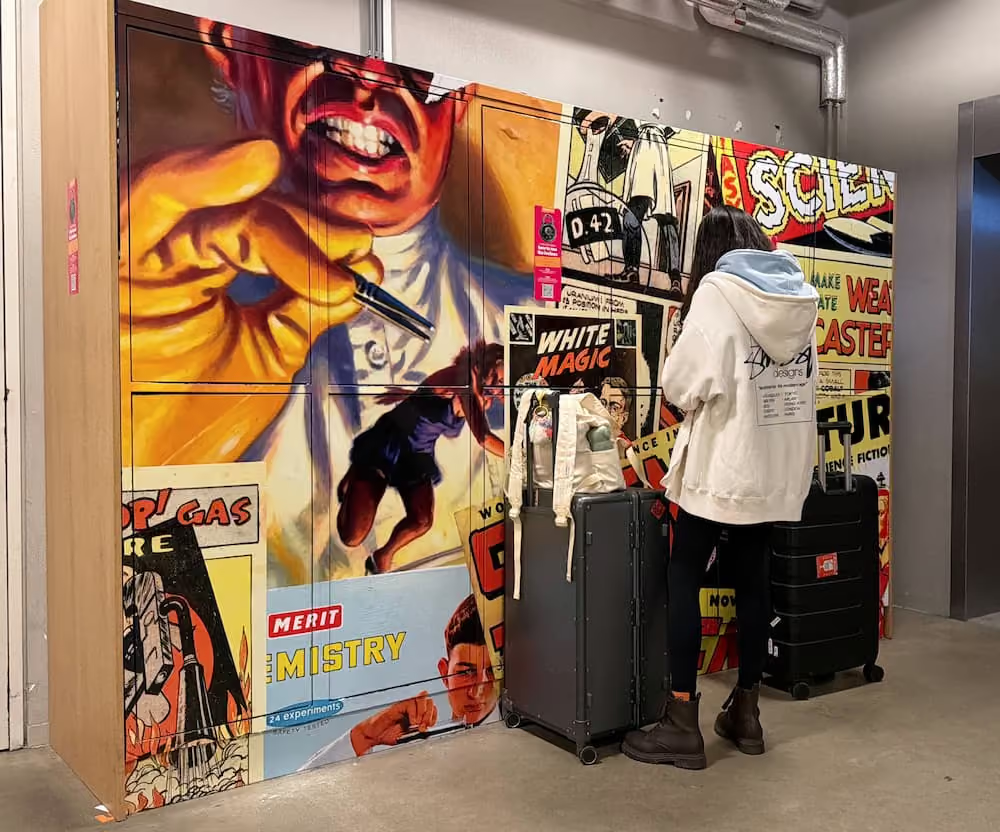


Make your bag policy easier to follow
Visitors who cannot take a bag into the galleries need somewhere to leave it. Self-service lockers give them a practical next step before they reach the entrance.

Reduce routine cloakroom work
When visitors store and collect their own belongings, staff spend less time receiving bags and returning them, leaving more time for questions and personal assistance.

Create income from visitor storage
Paid lockers let your museum charge for a useful service. Choose pricing that fits your visitors and objectives, with free storage and donation-purpose payments available as alternatives.
Museum evidence under review
TBC
TBC
TBC
TBC
From the entrance to the galleries
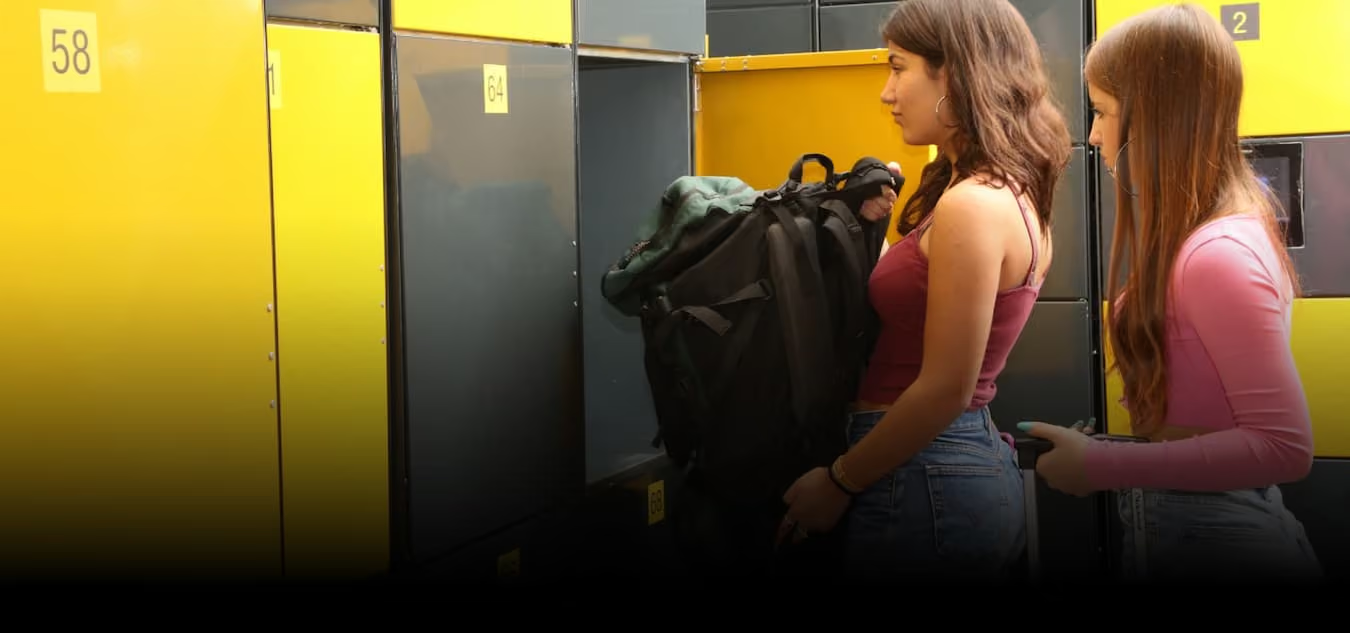
Storage where visitors need it
Position lockers before the point where bag restrictions apply, with clear signs showing which belongings visitors can store and where to go next.
Fewer bags passing through staff hands
Visitors handle their own belongings throughout the visit. Your team remains available for assistance without receiving and returning every stored bag.
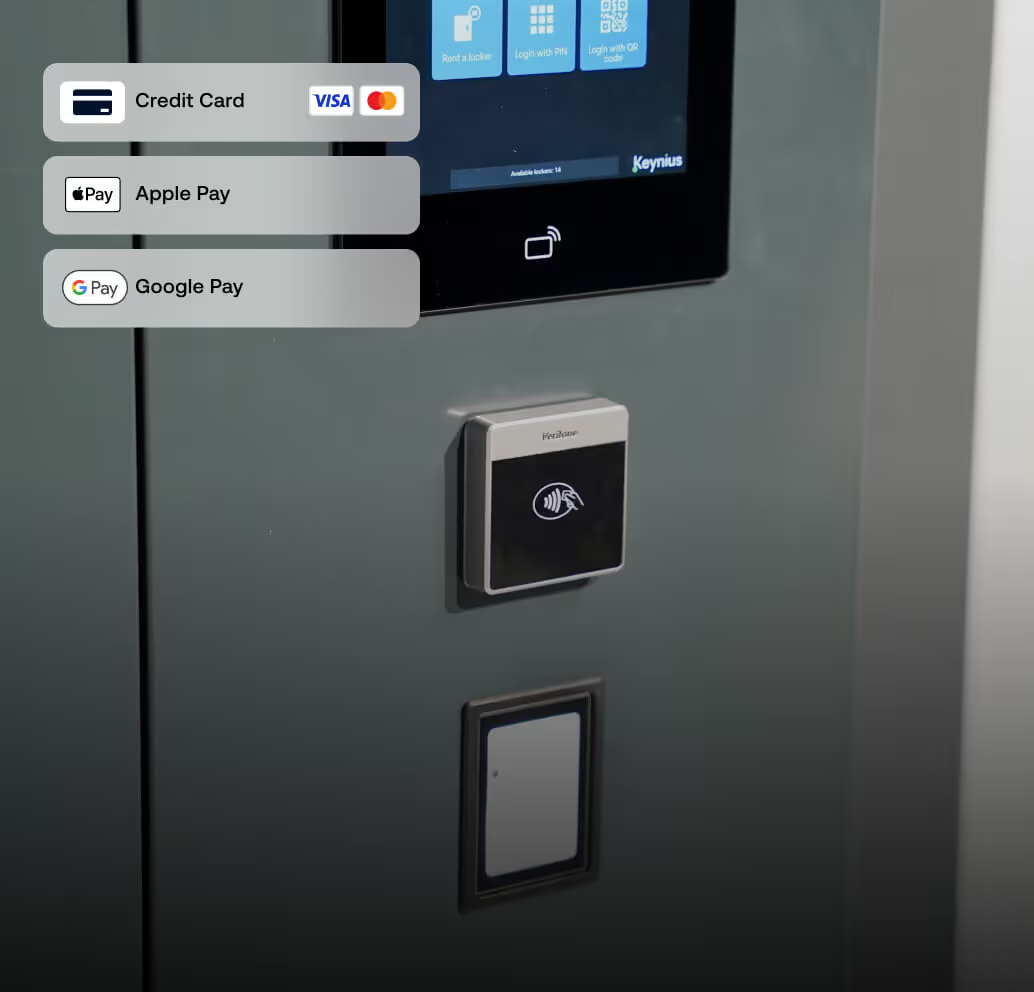
Paid storage without a cloakroom checkout
A configured self-service payment journey lets visitors pay for storage as part of using a locker, reducing the need for staff to collect each payment.
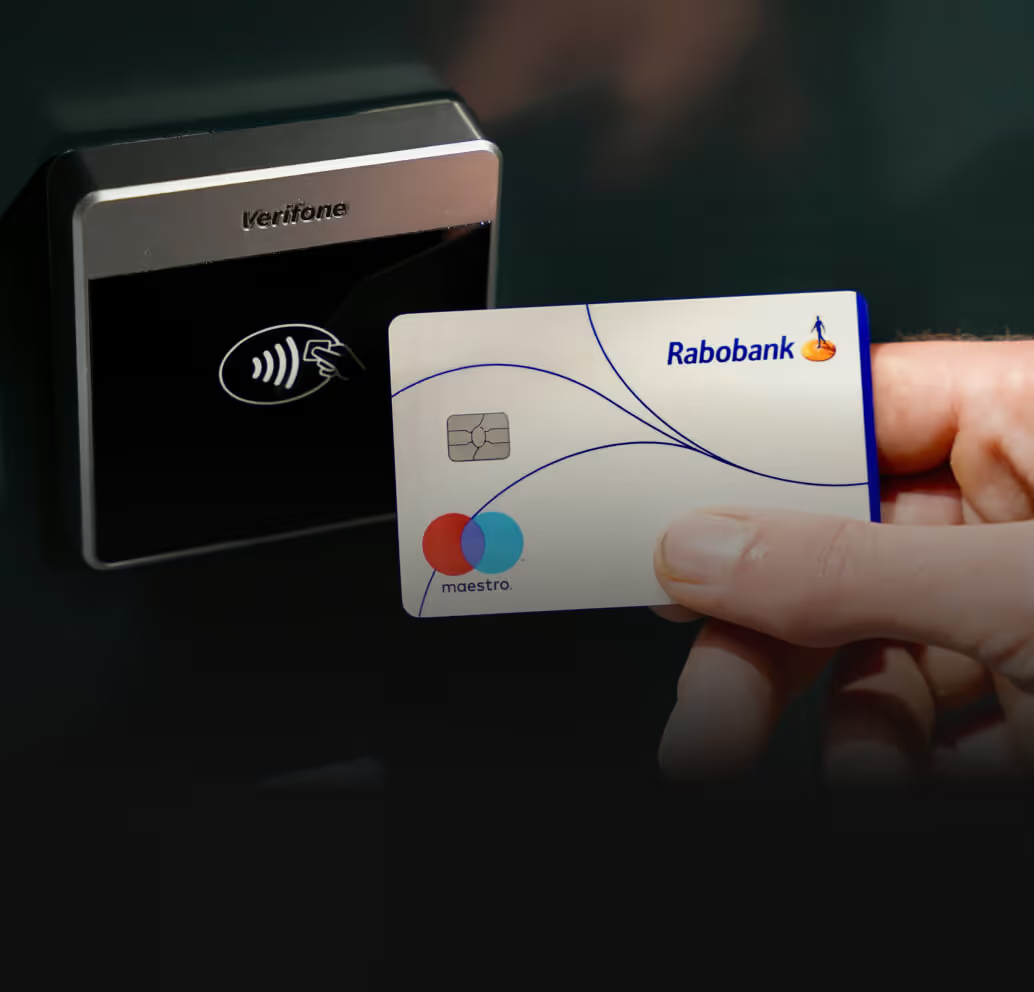
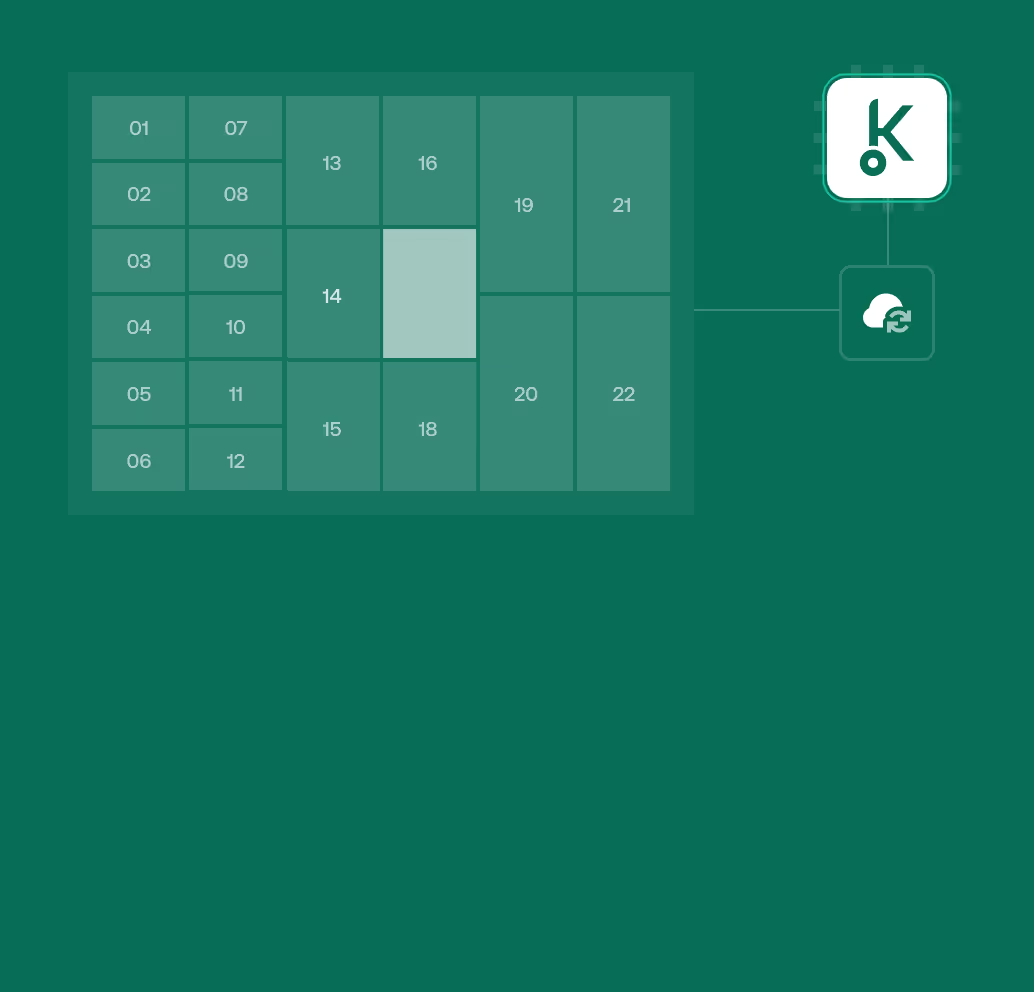
A clear view of locker use
The Keynius Portal lets authorised staff monitor locker activity and manage access, helping them respond when a visitor needs assistance.
Collection that completes the visit
Clear retrieval instructions help visitors collect their belongings before leaving. Include closing times and a visible help point so they know what to do if something goes wrong.
See how the visitor journey could work
Discuss a demonstrationExperience inside museums and beyond


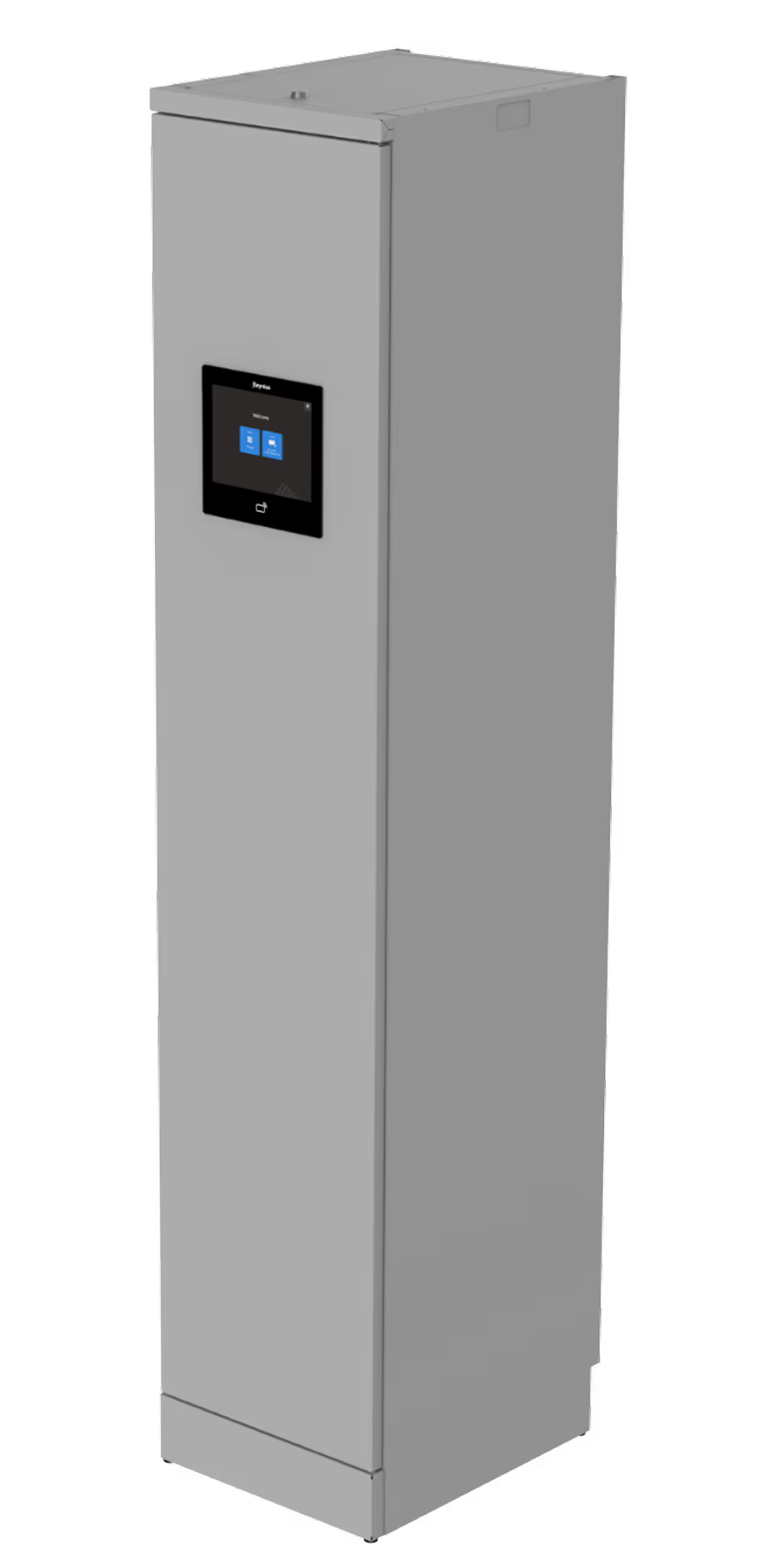
Choose lockers around the bags visitors bring
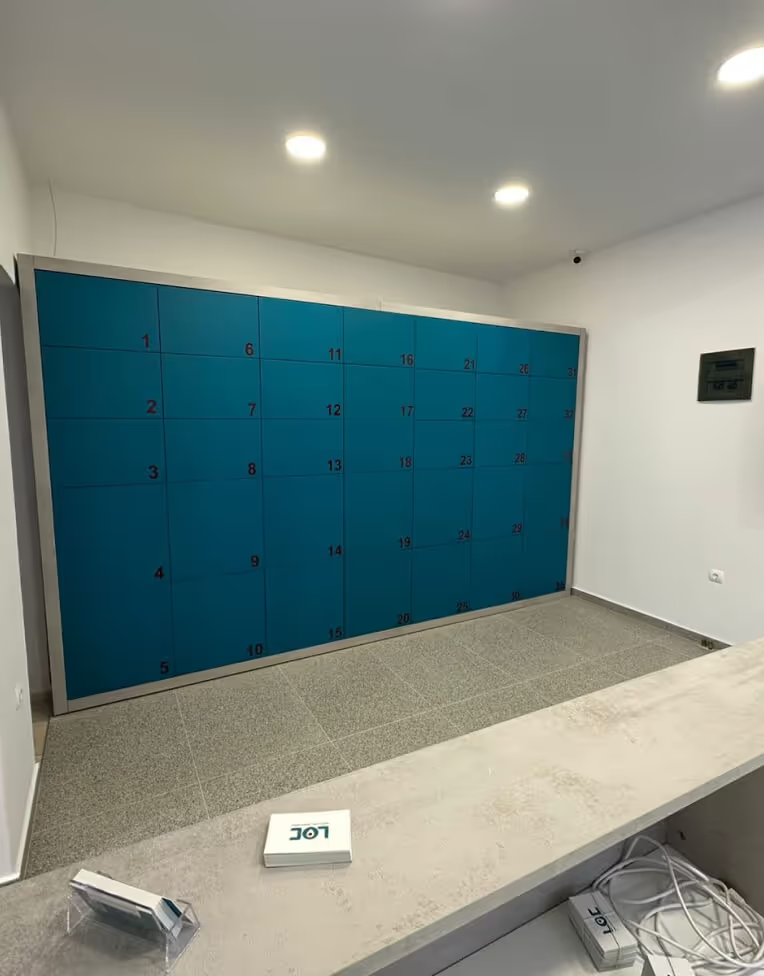
The right locker mix depends on what your museum accepts and how many visitors need storage at the same time. LUVIO and VAULT offer different materials and configurations for a new indoor installation.

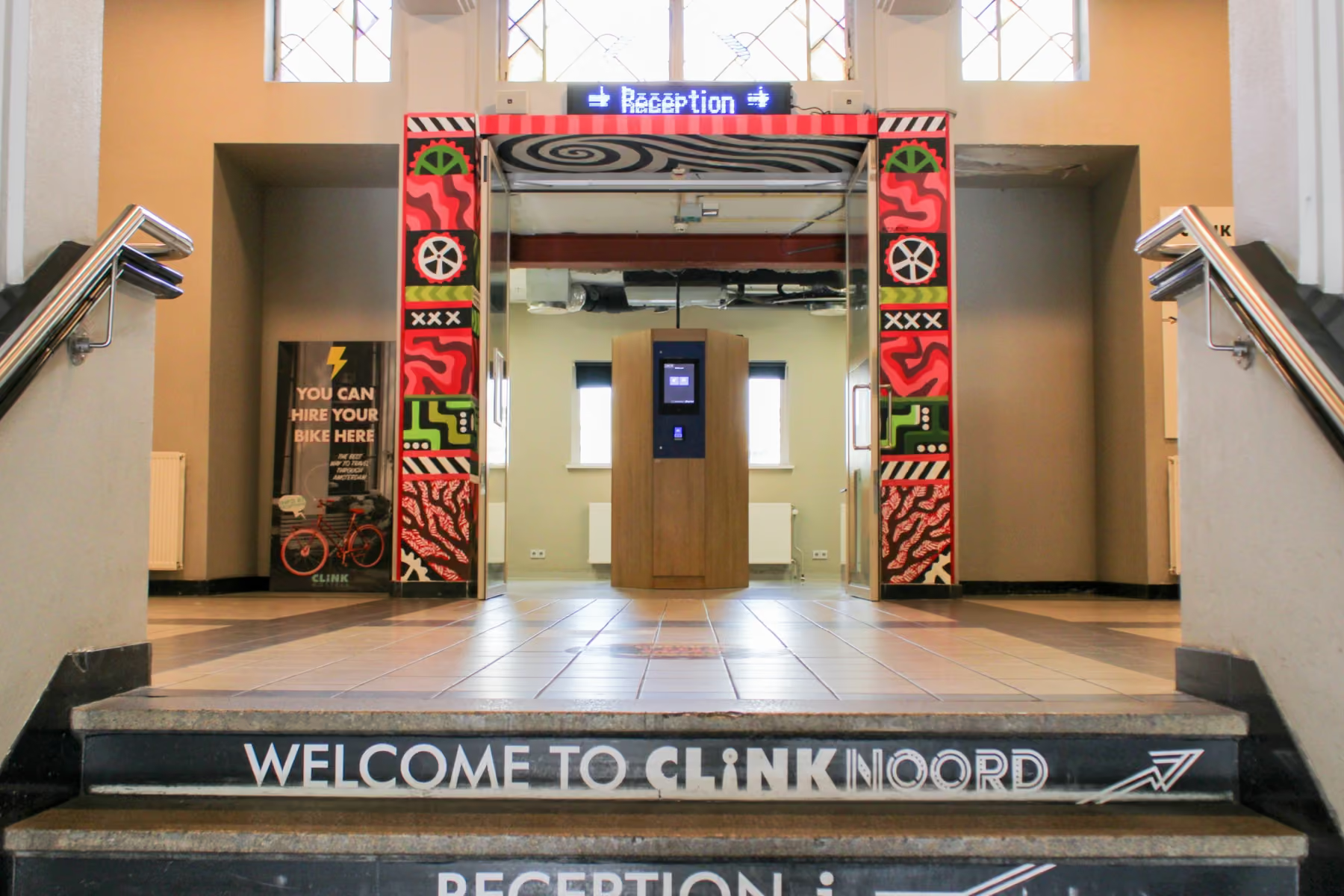
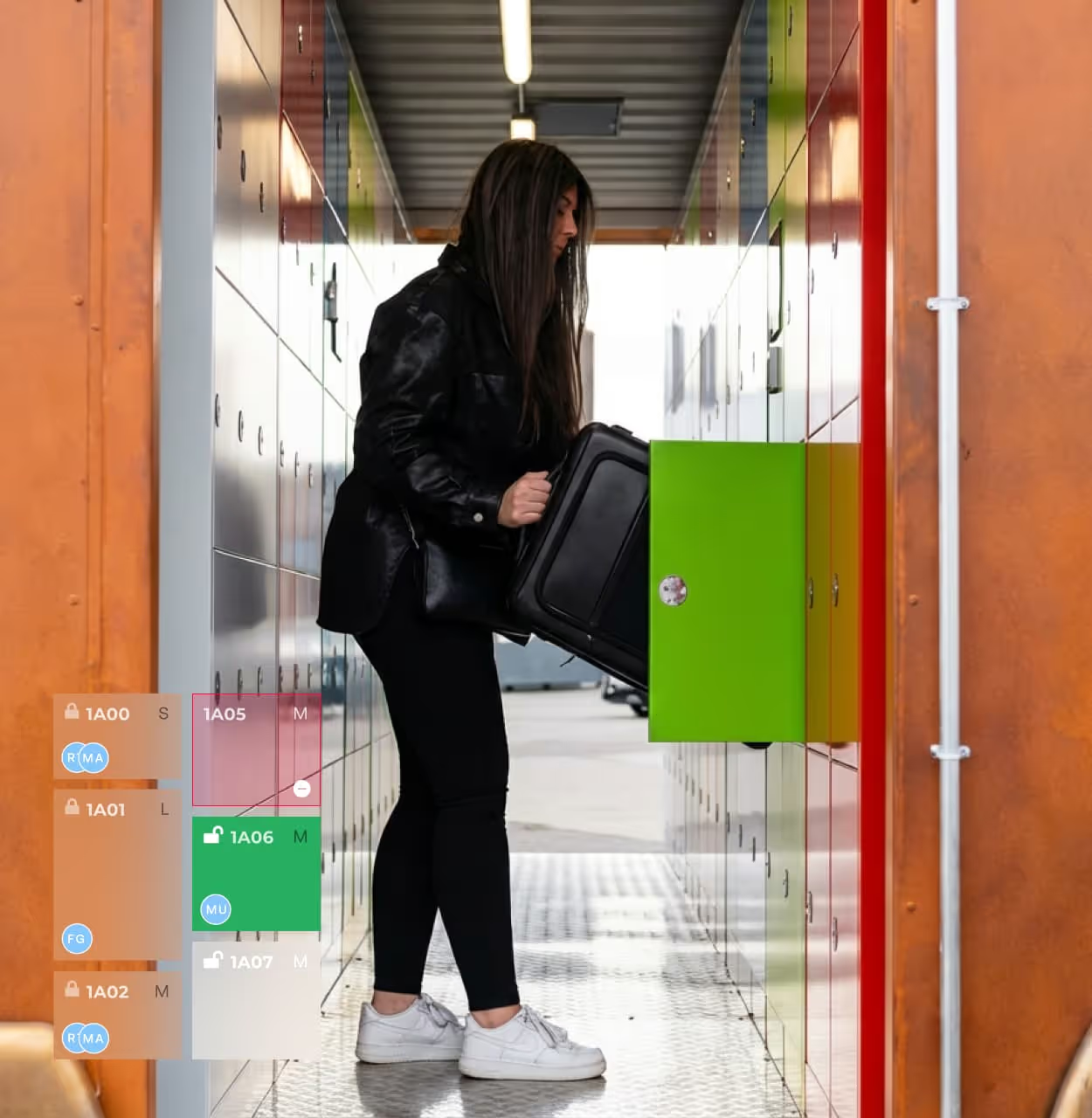
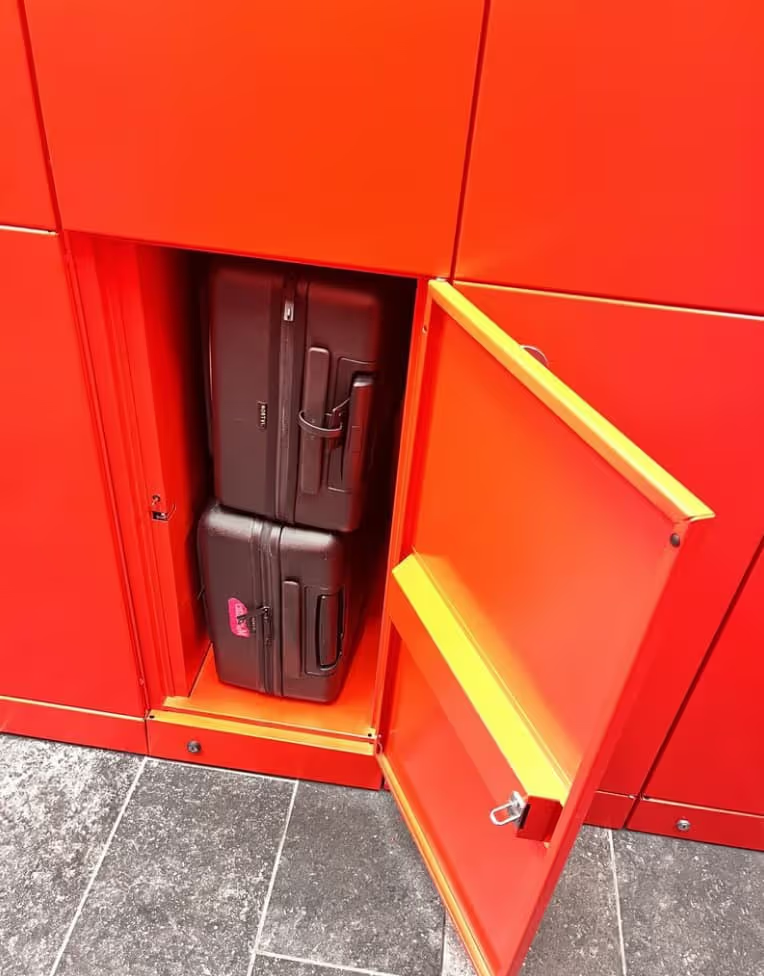
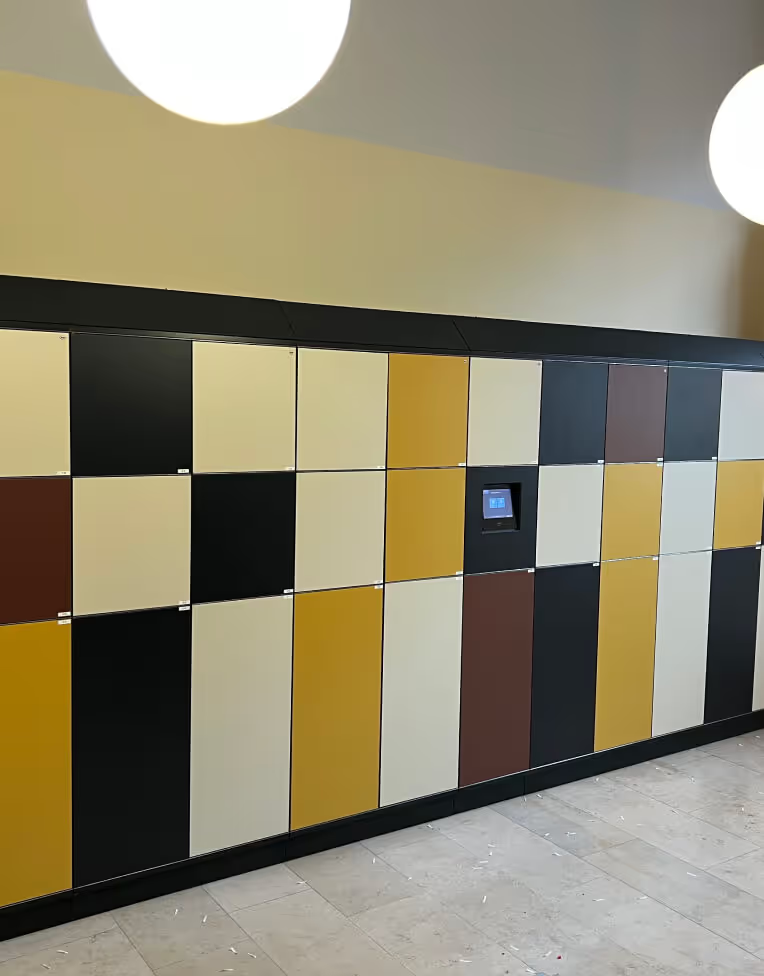
.avif)
Make storage part of a welcoming arrival
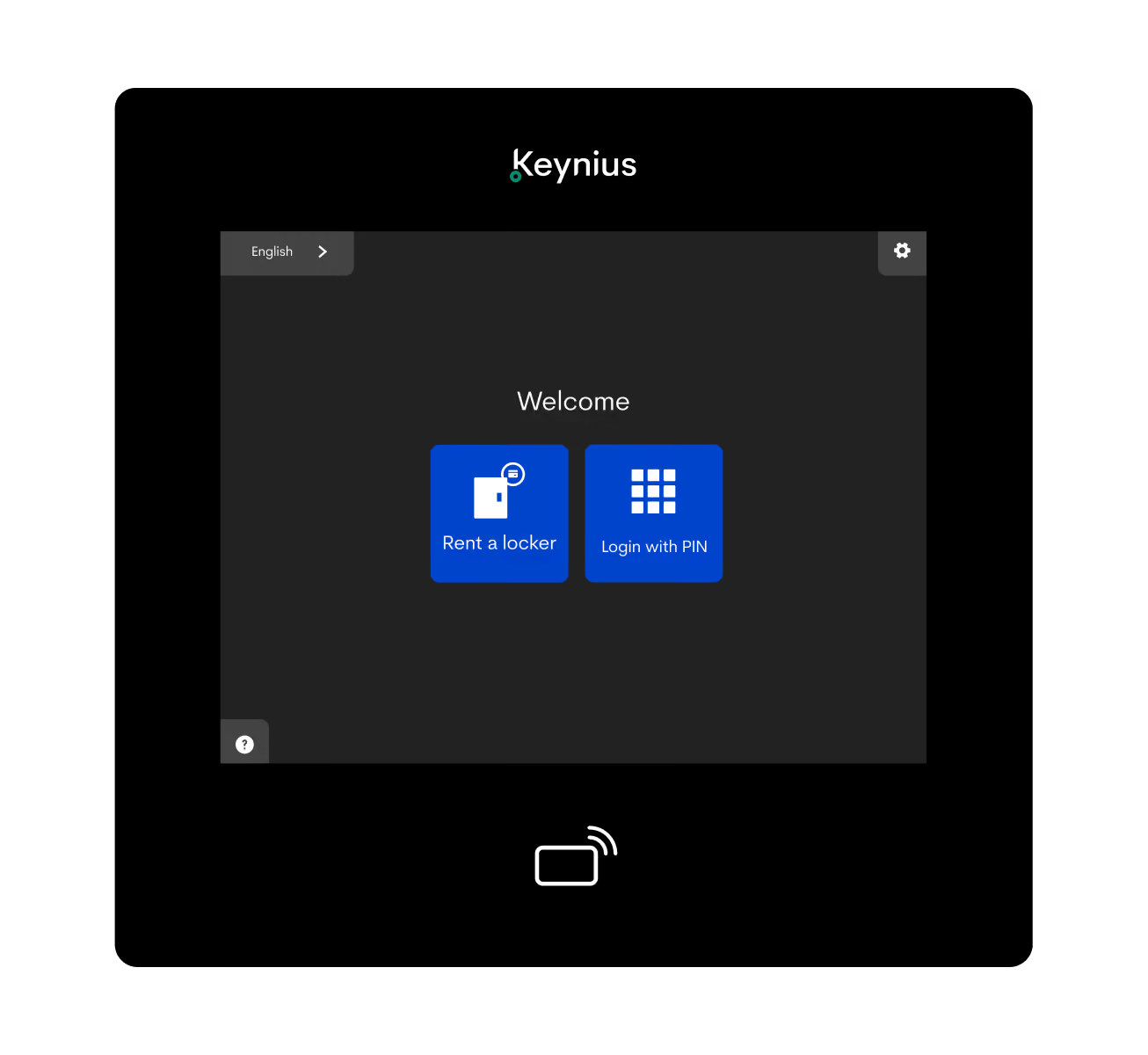
A visitor arriving with a backpack needs to understand where it can go before entering the galleries. Clear instructions should guide them through storing it, any payment, and collecting it after their visit.

Make the next step obvious
Show accepted bag sizes, prices where applicable, and opening hours before visitors start. Place the instructions where people first encounter the storage area.

Keep help within reach
Explain how to get assistance with access or collection, and give the responsible staff the permissions and guidance they need to respond.
Choose access around your visitors
Keynius supports several access methods, including PIN, QR, and RFID. The right choice depends on the service you offer and the hardware selected. Demonstrate the complete journey, including payment where applicable, before choosing the configuration.

PIN code

QR Code

Web Browser

Apple Wallet

RFID Card

Fingerprint

Mobile App

Barcode
And More...
Build the business case around your museum

Count demand at the busiest time
Record how many bags need storage together, including school visits and group arrivals. Annual visitor numbers alone do not tell you how many compartments you need.

Check the belongings you accept
Measure representative bags and other accepted items against usable compartment dimensions. Your storage policy should make clear what visitors can and cannot leave.
Allow space for people
Review the area in front of the lockers as well as the wall itself. Visitors need room to open doors, handle belongings, and move through the entrance.

Measure today’s cloakroom work
Record staffing hours and the time spent receiving and returning belongings. Separate routine handling from assistance that the museum will still provide.

Include the full costs
Compare the installed investment with software, support, transaction fees, and any other quoted operating costs. For an existing paid service, account for income the new system would replace.

Test a cautious scenario
Assess lower demand as well as your expected usage. Keep rental income, funds allocated to museum causes, staff time released, and actual payroll savings separate.
Start with one busy day at your museum
Discuss your business case
Support your bag policy and collection care
Lockers provide a place for belongings that cannot enter the galleries, helping visitors comply with your museum’s bag policy. Your team retains responsibility for permitted items, screening, staff access, and uncollected belongings as part of the wider security process.


Supporting resources

Visitor journey demonstration
See how visitors would access, use, and leave a locker, including payment and assistance where applicable.

Museum storage brochures
Compare paid visitor storage and free self-service, including payment options that support the museum’s work.

Museum business case
Explore how storage demand, prices, operating costs, and staffing assumptions affect the investment.
Frequently Asked Questions
How do smart lockers work in a museum?
Smart lockers combine electronic locks with software that manages access and locker use. Visitors store and collect their own belongings through the chosen access method, while authorised museum staff can monitor activity and assist when needed.
Can lockers help us enforce a no-bags policy?
Yes. Lockers give visitors somewhere to leave accepted belongings before entering restricted areas. Place them on the arrival route and explain permitted items, storage limits, and assistance clearly.
Can we offer paid or free storage and change prices?
Museums can offer paid storage or free self-service. For paid storage, prices can be adjusted by day to reflect the museum’s objectives. Visitors should see the applicable charge before starting.
Can storage payments support preservation or our charitable arm?
A payment option can be arranged to support the museum’s charitable arm, preservation work, or another stated cause. Confirm the recipient, allocation, and transaction charges before launch. Contributions to a free storage service remain optional.
Can visitors use the lockers without a smartphone?
PIN access is available with suitable hardware and configuration. The full journey also matters: check how visitors begin, pay where required, and retrieve belongings, and demonstrate the proposed service without a smartphone before confirming it meets that need.
How many lockers will our museum need?
Start with the highest number of belongings needing storage at the same time. Include group arrivals, visit length, accepted bag sizes, and available space, then check the proposed compartment mix against representative items.
Will smart lockers reduce our staffing costs?
Self-service can reduce time spent receiving and returning bags. That time can support other work, but it becomes a financial saving only when paid staffing costs fall. Include the assistance and daily operating tasks that remain when assessing the business case.
See what your museum needs from storage





%201.svg)
%201.svg)
