
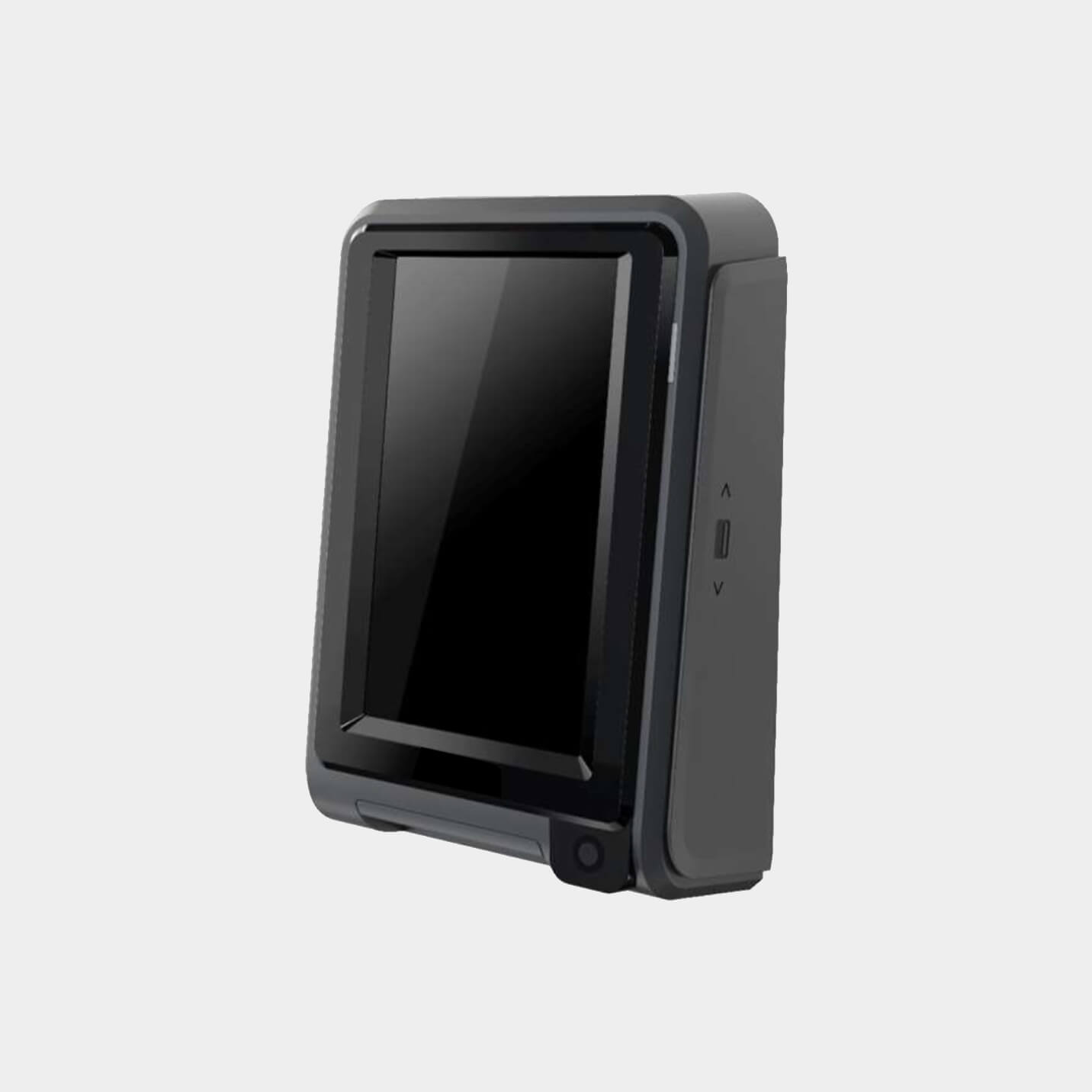
- Cellular communication antenna
- Sim card (pre-installed)
- Barcode/QR code scanning camera (optional)
Description
The Payment Terminal is an all-in-one Android payment terminal suitable for unattended environments and outdoor use. It allows shoppers to pay by swiping, inserting, or tapping their card or mobile wallet.
Technical Specifications
- Dimensions (L x W x H) (mm): 54 x 108.5 x 168
- Weight (Kg): 0.709
- Material housing: PC (Plastic)
- Permitted ambient temperature (°C): -20 to +65
- Humidity Range (RH): 5% - 90%
Product Datasheet - Payment Terminal Contactless & PIN
Real Life Use Cases
.webp)
.webp)
.webp)
.webp)
.webp)
.webp)

Related Products

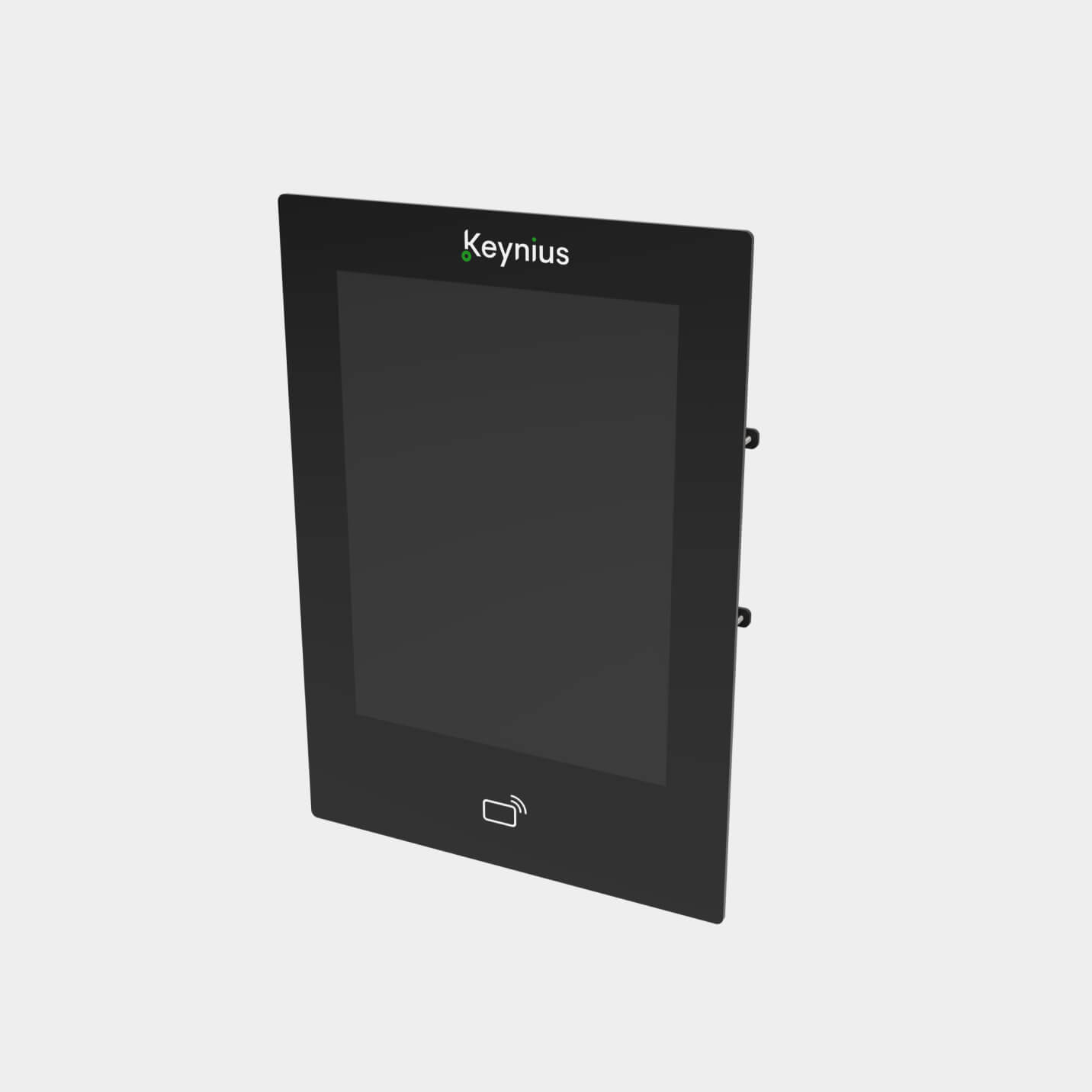

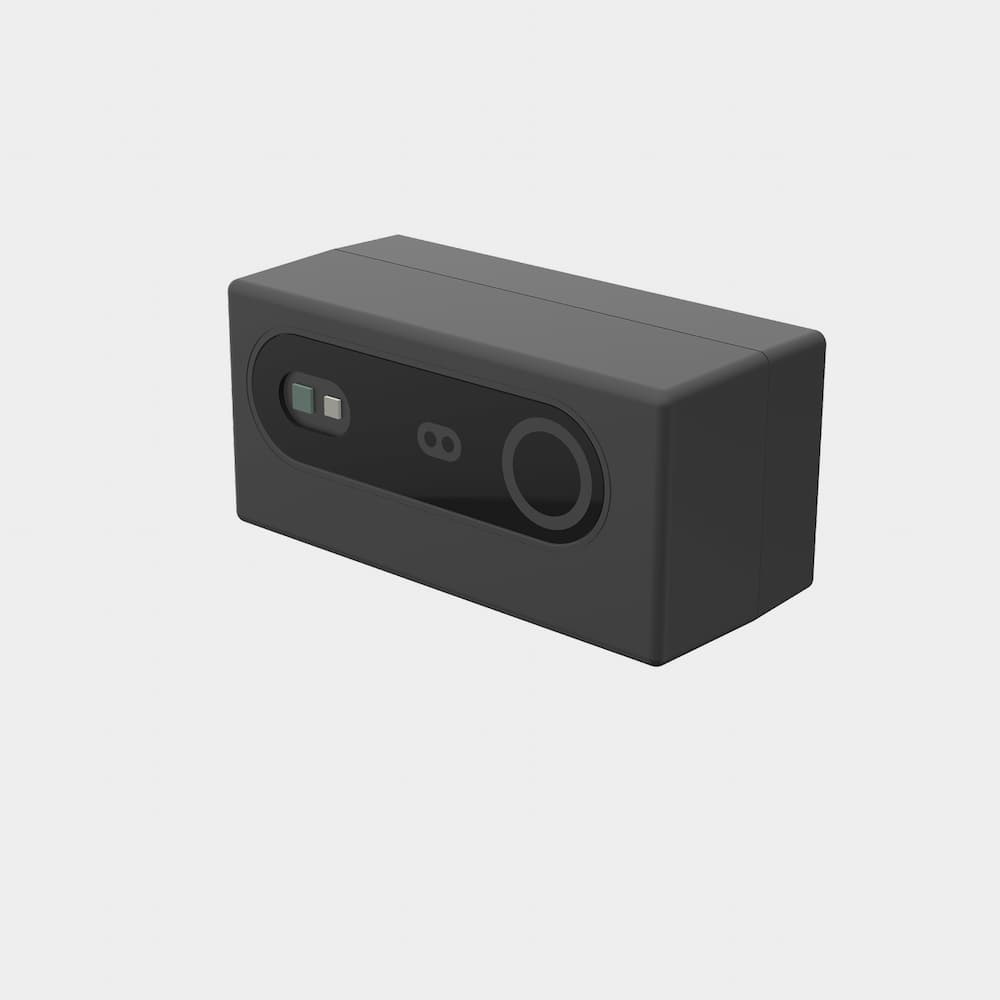
Frequently Asked Questions
What is Payment Terminal Contactless & PIN used for?
The Payment Terminal Contactless & PIN lets users pay at an unattended locker or self-service point. It supports Pay & Store flows where visitors need a simple way to rent storage without waiting for staff.
Which payment methods can users use with Payment Terminal Contactless & PIN?
With Keynius Payment Terminal Contactless & PIN, users can pay by swiping, inserting, or tapping a card or mobile wallet, depending on the selected payment setup. Credit card, bank transfer, and wallet options can be integrated where they fit the venue and customer journey.
Is Payment Terminal Contactless & PIN suitable for unattended venues?
Yes, Payment Terminal Contactless & PIN is built for self-service environments where visitors need to complete payment without staff handling every transaction. That makes it relevant for public venues, leisure sites, transport-adjacent storage, and other Pay & Store locations.
Does Payment Terminal Contactless & PIN support barcode or QR scanning?
Yes, Payment Terminal Contactless & PIN includes front-camera and barcode-scanning capability. so payment can be combined with a ticket, booking, collection code, or user-identification flow.
How does payment onboarding work for Keynius Payment Terminal Contactless & PIN?
Payment onboarding for Keynius Payment Terminal Contactless & PIN typically covers registration, checks, contract terms, sandbox testing, technical integration, go-live, settlement, and reporting. This gives operators a controlled route from payment setup to live paid locker rental.
Can payments with Keynius Payment Terminal Contactless & PIN be tested before going live?
Yes, payments with Keynius Payment Terminal Contactless & PIN can be tested in a sandbox before real visitors start paying for lockers. Testing helps operators validate the payment journey, catch integration issues, and launch paid storage with more confidence.
How does Payment Terminal Contactless & PIN improve ROI for Pay & Store?
Payment Terminal Contactless & PIN lets users complete payment as part of the self-service locker journey, while operators gain recurring payouts, dashboards, analytics, chargeback visibility, and revenue trends. The business value is paid storage revenue plus less staff time spent on manual transactions.
Can Payment Terminal Contactless & PIN be connected to Keynius locker workflows?
Yes, Payment Terminal Contactless & PIN can connect to Keynius locker workflows across app, browser, Smarty, and locker operation flows. Users can reserve, open, and pay through the app, or use Keynius Online through a smartphone browser when configured. Related workflows include Pay & Store and click and collect.
How secure are payments through Payment Terminal Contactless & PIN?
Payment Terminal Contactless & PIN supports PCI PTS 6.0 security, and the payment platform handles compliance, security, and risk management around payment acceptance. For venue operators, that means paid locker rental can be offered without building a payment stack from scratch.
What are the key specifications of Payment Terminal Contactless & PIN?
For Keynius Payment Terminal Contactless & PIN, the main specification checks are size, operating range, connectivity, and installation fit. Current key details include: Dimensions (L x W x H) (mm): 54 x 108.5 x 168; Weight (Kg): 0.709; Material housing: PC (Plastic).
Not sure which option suits your business?





%201.svg)
%201.svg)
