
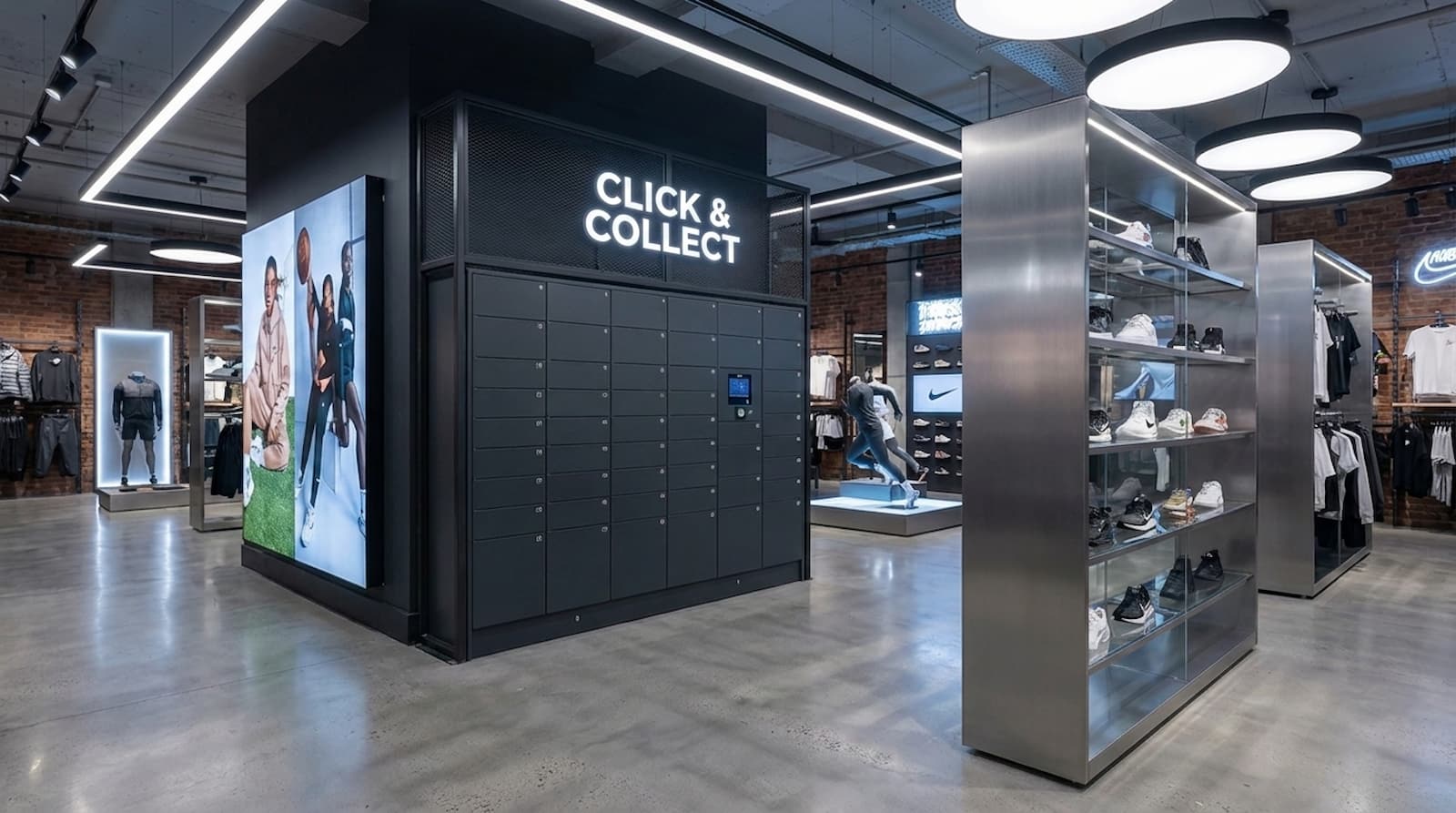
Many locker projects start fast and then slow down. Orders stay too long. Doors fail. Staff spend time on support. This happens when teams plan tech, people, and process in different tracks.
This guide gives a simple plan. It shows what to set first, what to buy, and what to measure.
It is built for Click & Collect lockers retail teams.
For Keynius context, see Pay & Store, Locker Software, and How Smart Rental Lockers Increase Revenue Online.
Quick Summary: what works best
Start with the pickup process. Then choose tools.
Use this six-step base:
- set clear rules for which orders can use lockers
- choose Click & Collect locker software with strong issue handling
- define Click & Collect hardware requirements before buying units
- test the full locker pickup workflow with real staff
- train store and support teams on one SOP
- track weekly KPIs and fix issues fast
This order keeps service stable and helps adoption.
Why locker launches fail
1) Process is unclear
Teams pick features, but not day-to-day rules. Then no one knows what to do with late pickups or failed access.
2) Capacity is wrong at peak
Average demand is not enough for planning. Peak hours decide if lines grow.
3) No stale-order plan
Old orders stay in boxes too long. New orders have no space.
4) Escalation paths are weak
If owners are unclear, tickets move between teams and take too long.
Software checks to do first
End-to-end order states
The system should show: loaded, notified, collected, expired, and closed.
Safe access options
Use PIN, QR, or secure links based on your flow. This is key for contactless pickup lockers.
Clear issue handling
You need rules for no-show, late pickup, and manual release.
Strong roles and logs
Different teams need different access rights. Keep clear audit logs.
Real integrations
Prioritize live OMS and e-commerce sync. Avoid “future roadmap only” promises.
Hardware baseline
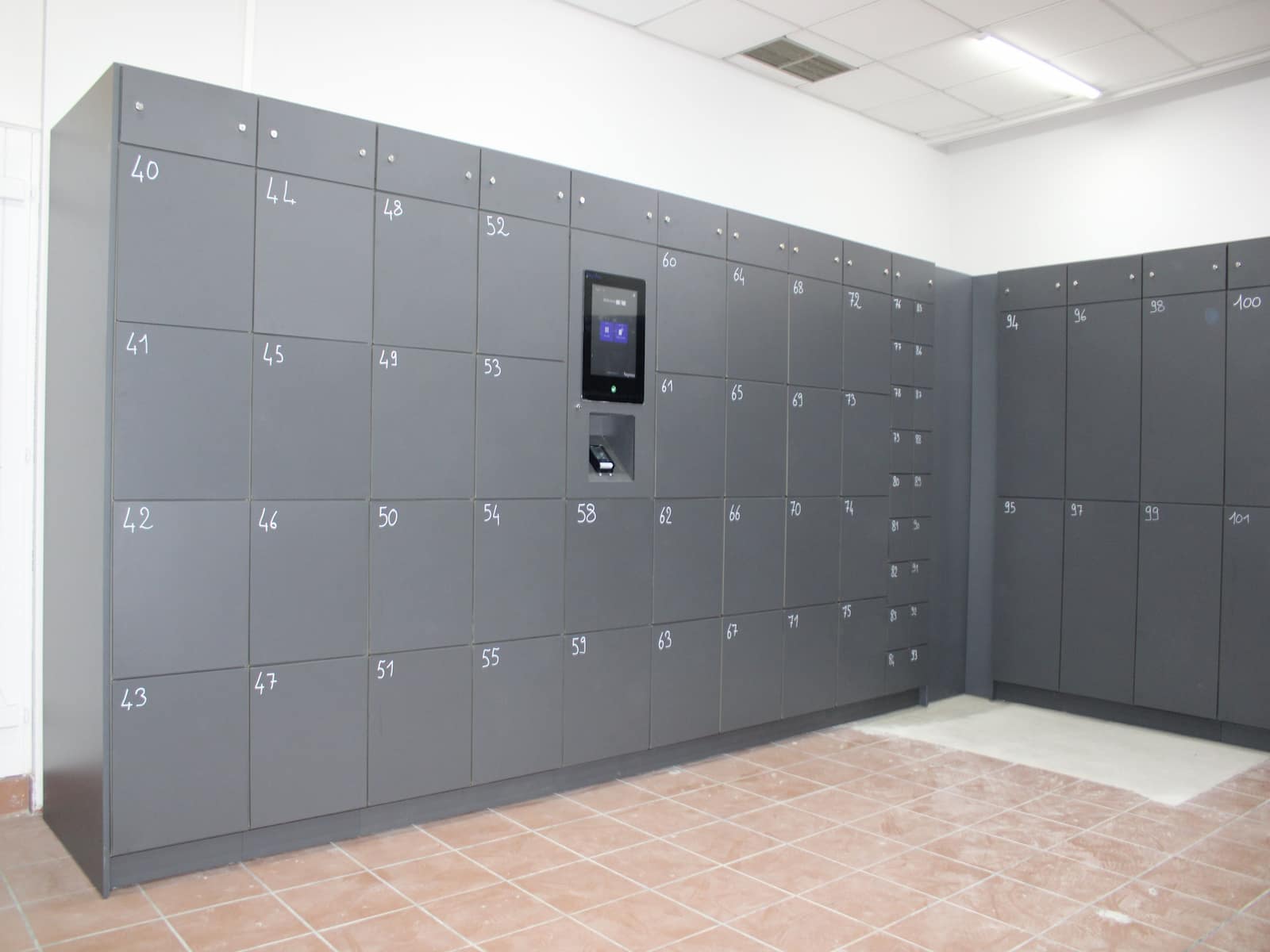
A good retail locker system needs:
- secure lock control
- door-state checks
- occupancy checks
- fast fault alerts
Also size boxes from real order data. Do not use a generic mix.
Test the unit in real store conditions. Check signal, QR speed, and user flow at busy times.
Rollout model options
OptionSpeedControlPeak resultRiskFast default launchHighLowMediumHighPhased launch with tuningMediumHighHighMediumMulti-site launch at onceMediumLowLow to mediumVery high
Most teams should use phased rollout.
30/60/90 plan
Days 1-30
- confirm order rules
- test message delivery and access success
- log top issue types daily
Days 31-60
- tune box mix from real demand
- adjust reminder and expiry timing
- tighten team handoffs
Days 61-90
- measure labor time saved per order
- compare completion rate to baseline
- review ticket trend and repeat use
This is a safer way to run a smart locker rollout.
KPI set
Track these each week:
- pickup time (median and p90)
- collections per active door
- staffed-counter queue change
- stale-order rate
- issues per 1,000 orders
- unresolved issues at close
- repeat Click & Collect use
Weekly tracking is better than monthly averages.
Common mistakes and fixes
Mistake: public launch before SOPs are ready
Fix: finish SOPs first, then announce launch.
Mistake: copy one pilot setup to all stores
Fix: tune by store demand and peak pattern.
Mistake: dashboards with no action rules
Fix: set trigger thresholds for alerts and escalation.
Conclusion
A good launch is mostly an operations project. Tools matter, but process clarity matters more.
Before scale, validate your locker pickup workflow, confirm Click & Collect hardware requirements, and test fit with your retail locker system goals.
For support, see Cloakroom Smart Lockers ROI and contact Keynius.
FAQ
Should we buy hardware first?
No. Start with flow design and software checks.
What helps reliability most?
Clear rules, short steps, and fast issue handling.
Can this work without more staff?
Yes, if SOPs and ownership are clear.
How long should a pilot run?
A 90-day pilot is enough for most teams.
Where do self-service units fit?
Use self service pickup lockers where they reduce counter load.





%201.svg)
%201.svg)
