
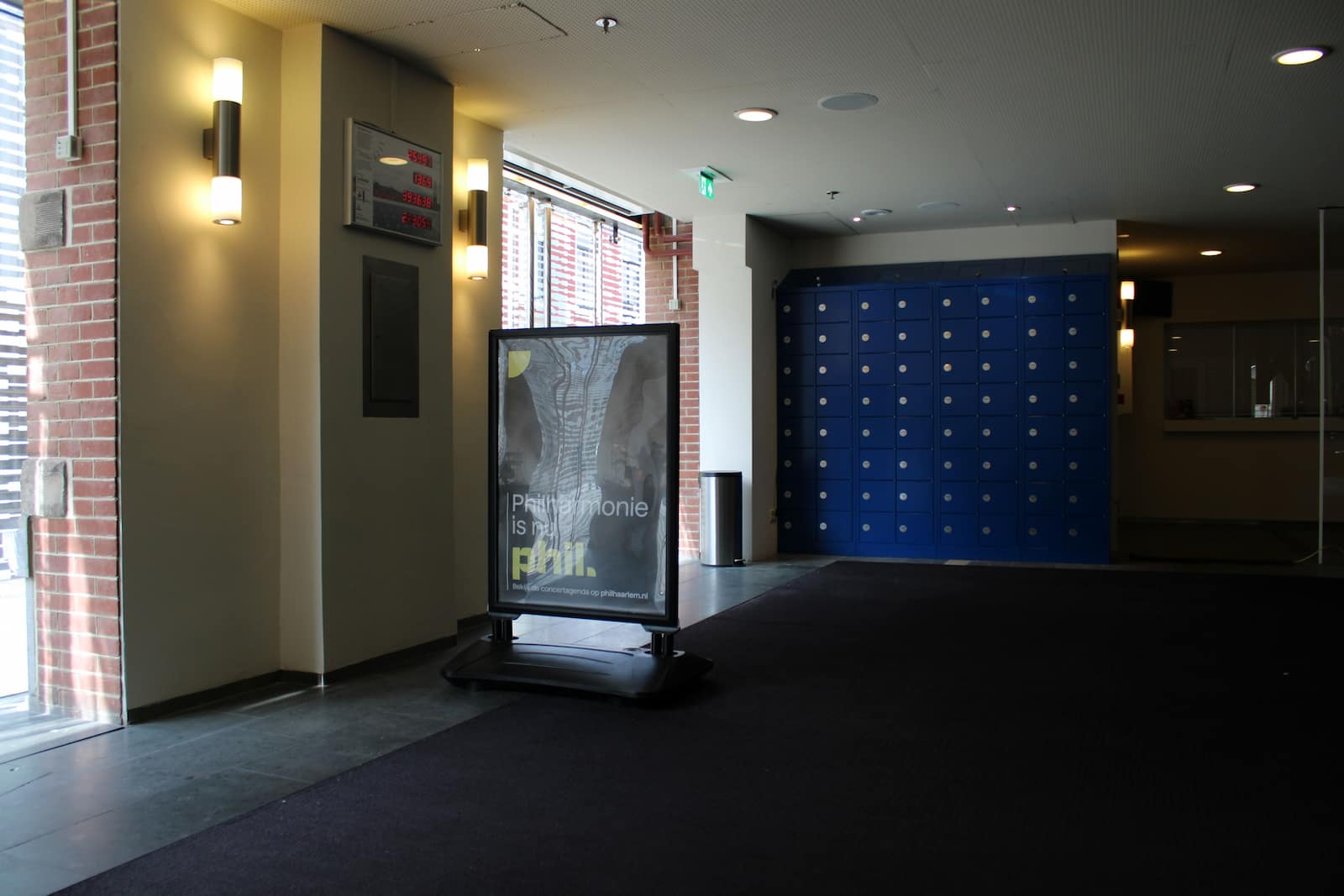
Concert halls run on compressed peak windows. Most guests arrive in a short pre-show period, security checks must move quickly, and staff have little room for exceptions. One guest with a prohibited backpack or oversized bag is not just a single inconvenience. It can create a checkpoint hold-up, a queue ripple, and a front-of-house escalation.
This is why guest storage should be treated as an operational workflow, not an afterthought. The core challenge is straightforward: how do you enforce bag policy and maintain safety without creating avoidable friction at the door?
This guide explains how concert halls can set up secure guest storage operations that protect flow, reduce staff burden, and improve the overall event experience.
For venue teams evaluating implementation options, relevant Keynius context includes Hospitality & Venues, Pay & Store, and practical venue examples such as AFAS Live and Ziggo Dome.
Quick answer: what is the best way to run concert hall guest storage?
The strongest operating model combines:
- policy-aligned storage for prohibited or impractical guest items
- clear split between security screening and storage intake
- pre-show communication so guests understand storage options before arrival
- fast retrieval flow after the event to avoid exit bottlenecks
- event-by-event reporting for queue times, exception rates, and storage revenue
In practice, the goal is not just "having lockers." The goal is running a repeatable process that preserves security control while keeping guest movement predictable during peaks.
What the problem looks like in live concert operations
Checkpoint flow breaks when prohibited items arrive late in the queue
Many venue bag policies permit only limited bag sizes, but guests still arrive with non-compliant items. If the security checkpoint has no fast storage diversion, staff are forced into slow manual exception handling. That slows everyone behind the guest.
Cloakroom and bag-check queues can become a second bottleneck
Traditional cloakrooms are often designed for predictable coat volume, not mixed items and high-speed event turnover. When guest demand spikes, queues form quickly and staffing pressure rises.
Cloakrooms consume high-value staff hours
Manual cloakroom operations are usually staffed by teams who could otherwise support security, guest services, or faster venue reset workflows. Instead, they spend pre-show and post-show windows on repetitive bag and coat handovers.
Coat-room footprint competes with revenue-generating floor space
Dedicated coat rooms and temporary queue lanes take up space that could be used for commercial activity or guest-experience upgrades. For many venues, this is an invisible cost that does not show up in cloakroom line-item reporting.
Staff must repeatedly answer the same storage questions
Without clear pre-event messaging and wayfinding, front-of-house teams spend critical pre-show minutes handling directional and policy questions. This is avoidable workload during the most time-sensitive period.
Retrieval pressure moves from pre-show to post-show
If intake was unstructured, retrieval becomes slower and error-prone at closing time. Guests then exit later, increasing congestion in corridors and transport-adjacent areas.
Why this problem occurs
Security policy and storage policy are treated as separate systems
Many halls define what is prohibited but do not define a reliable storage fallback. The result is policy compliance at the gate but operational improvisation immediately after.
Peak-load design is missing
Concert operations are not average-load operations. Intake may need to process a high share of daily volume in 45 to 90 minutes. Workflows that are acceptable at low load fail under this curve.
Exception ownership is unclear
When no one owns refused-item escalation, decisions depend on who is available in the moment. That creates inconsistency and guest frustration.
Data is not captured consistently
Without event-level storage metrics, venue leaders cannot see where delays originate or how changes affect throughput and guest satisfaction.
Business impact for concert halls
Entry throughput and show start risk
When storage and screening interfere with each other, entry speed declines. In severe cases this can push large shares of arrivals closer to show start, increasing stress for staff and guests.
Security and compliance risk
Ad hoc decisions create inconsistent enforcement. Over time, that weakens policy credibility and increases operational risk.
Higher staffing burden at peak times
Manual bag handling absorbs skilled front-of-house and security capacity that should remain focused on core duties.
Overtime and delayed post-show operations reduce ROI
Cloakroom queues after the show often force venues to keep staff and security on shift longer than planned. This delays teardown and setup for upcoming productions. In the AFAS Live and Ziggo Dome example, a 35% reduction in exit time helped operations relieve security sooner and begin reset tasks earlier.
Guest-experience and revenue effects
Guests judge the venue experience before the first note of music. Long storage queues reduce satisfaction and also cut commercial opportunity: guests stuck in line are not buying merchandise or food and beverages.
Space ROI and monetization opportunity
Where policy-compliant paid storage is feasible, unstructured handling leaves potential revenue uncaptured. It also keeps valuable floor area locked into low-yield storage use. In the Paradiso case study, moving from staffed coat-check operations to smart lockers created room for a merchandise counter and additional revenue.
Common approaches venues try first
Approach 1: no storage at all
Some venues rely on strict "no storage available" communication. This can work for specific events, but it shifts risk to guest conflict at the door when non-compliant items still arrive.
Approach 2: fully staffed temporary bag check
This reduces refusals at the gate but can be labor-intensive and difficult to scale for variable event profiles. It also tends to increase overtime risk after the show when many guests collect items at once.
Approach 3: mixed manual plus ad hoc storage overflow
This is common but fragile. It tends to work until attendance, weather, or guest mix changes.
Where smart lockers fit in the concert-hall workflow
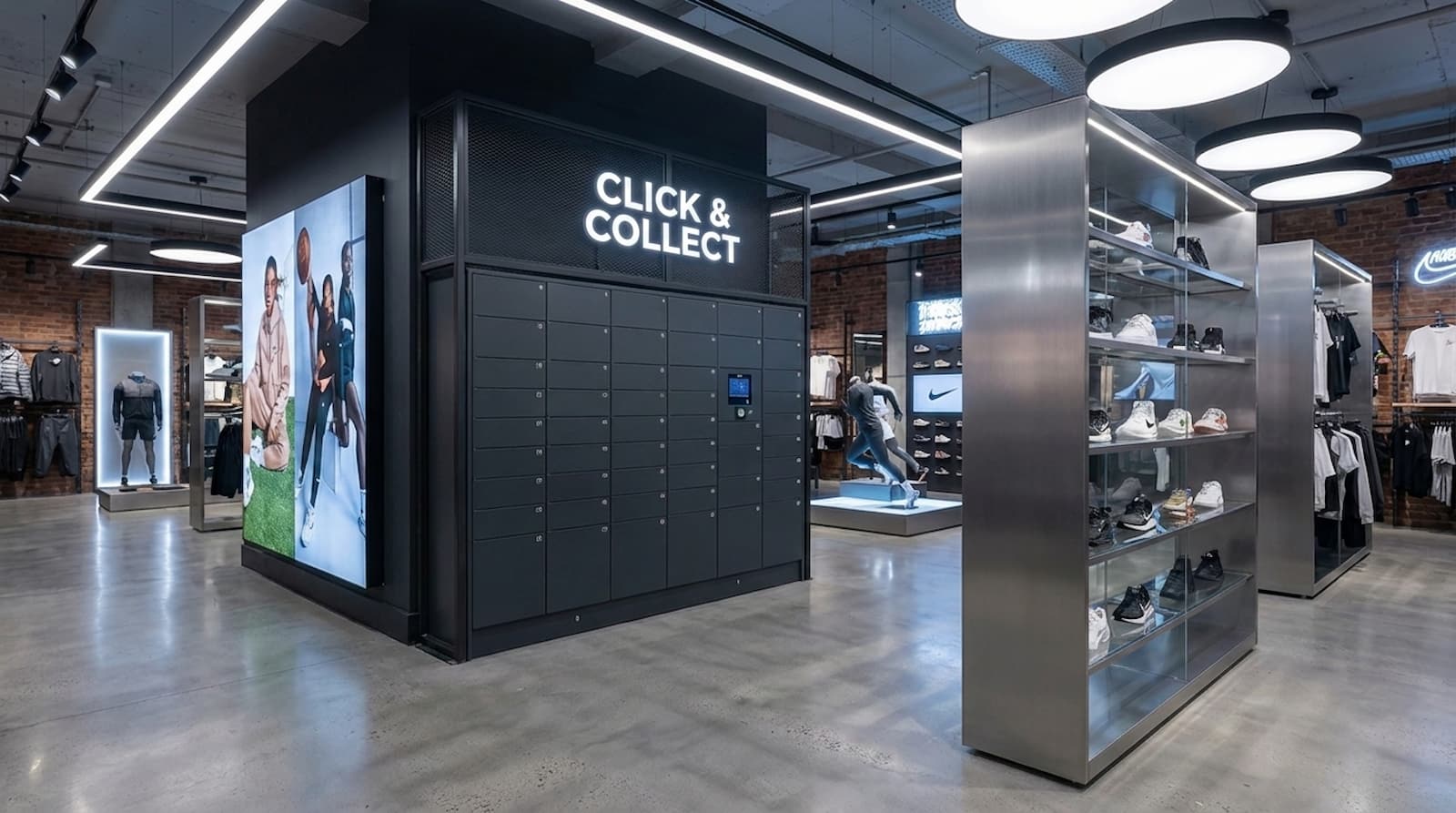
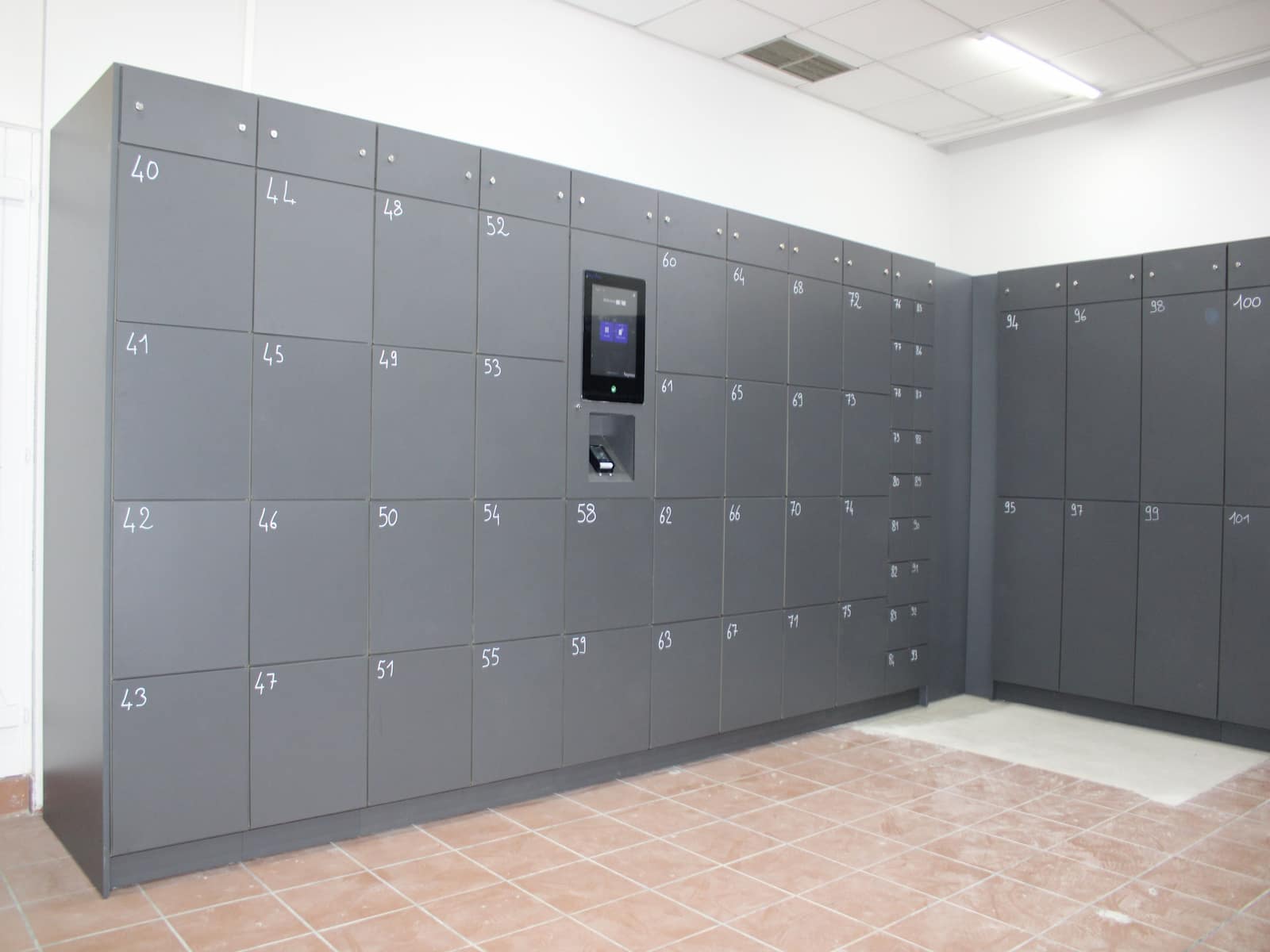
Smart lockers create a controlled self-service path for guest items that do not belong at the checkpoint or in seating areas. The value is operational: intake and retrieval can run faster, with clear transaction states and lower dependence on manual handover.
The financial value is equally important: fewer low-value handover tasks for staff, less overtime pressure after shows, and better use of high-traffic venue space.
For venue teams considering this route, you can use our ROI calculator to see exactly how much passive income you can generate with self-serve smart lockers.
What a good operating model includes
- clear policy mapping: which items go to storage and under what conditions
- dedicated intake zone outside the primary screening choke point
- explicit retrieval design for post-show surges
- payment/no-payment logic by event type
- fallback path for oversized or restricted items
What it should avoid
- forcing security officers to run storage transactions
- mixing every item type under one rule set
- adding storage without queue and wayfinding planning
Implementation blueprint for concert halls
1. Define policy and exception rules before deployment
Create a short operational policy table for event teams:
- allowed items at entry
- items that must be stored
- items not accepted for storage
- medical and accessibility exceptions
- escalation owner per shift
This reduces subjective decisions at busy checkpoints.
2. Design the physical flow around choke points
Place storage where it removes load from the highest-friction zone, not where space is easiest to find. Typical pattern:
- security checkpoint keeps moving
- non-compliant item is redirected to nearby storage intake
- guest returns to checkpoint with minimal loop time
3. Set service levels for peak windows
Define target metrics per event tier, for example:
- maximum intake queue time before doors close
- maximum retrieval queue time post-show
- staffing trigger points when queue thresholds are exceeded
4. Align operations, security, and guest services
Operational stability depends on role clarity:
- security enforces policy and maintains checkpoint pace
- venue operations own storage process performance
- guest services own communication and exception support
5. Decide your commercial model by event profile
Some concerts justify complimentary storage for speed and experience. Others support paid storage as a service add-on. The right decision depends on audience, policy strictness, and throughput goals.
6. Build a communications layer that prevents surprise
Pre-event messages should include:
- approved/non-approved item examples
- storage availability and pricing (if applicable)
- arrival guidance for guests carrying larger items
Good communication removes avoidable exceptions before guests reach the door.
KPI framework: how to know if storage operations are improving
Track metrics event by event, not quarterly averages.
Throughput metrics
- pre-show storage intake queue time (median and p90)
- retrieval queue time post-show (median and p90)
- % of delayed entries tied to item exceptions
Control metrics
- unresolved exception count per event
- incident rate linked to storage handling
- policy non-compliance trends by event type
Experience and commercial metrics
- guest complaint volume related to entry/storage
- storage utilization rate by event
- net storage revenue (when paid model applies)
Use these signals to tune staffing plans, signage, and lane design.
Common failure patterns and how to fix them
Failure pattern: storage exists, but queue time does not improve
Likely cause: storage placement still intersects the main checkpoint queue. Fix by relocating intake or adding directional split before the choke point.
Failure pattern: policy is clear, but exceptions still dominate
Likely cause: communication is too late or too vague. Fix with stronger pre-event messaging and clearer examples in confirmation emails and venue pages.
Failure pattern: retrieval becomes chaotic after the show
Likely cause: intake did not prepare for exit surge. Fix by planning retrieval staffing and lane separation before doors open.
Failure pattern: revenue is positive but guest satisfaction drops
Likely cause: pricing or process feels punitive. Fix by reviewing fee structure and ensuring queue reliability remains the first objective.
Conclusion
Concert hall guest storage is not a side process. It is part of security performance, guest flow, and event reliability. Venues that design storage as a peak-load operation reduce queue friction, improve consistency, and create a better arrival and exit experience.
If your team is reviewing storage operations for live events, start with Hospitality & Venues, explore Pay & Store, and use Contact Keynius to scope a concert-ready storage model.
FAQ: Secure guest storage for concerts
How can concert halls handle prohibited bags without slowing entry?
Use a dedicated storage diversion flow that sits adjacent to, but separate from, the security checkpoint. Keep screening lanes moving and process exceptions in parallel.
Should a concert hall choose staffed cloakroom or self-service lockers?
It depends on event profile, labor model, and policy strictness. Many venues use a hybrid setup: self-service for standard items and staffed handling for exceptions.
Is paid storage compatible with guest experience goals?
Yes, if queue times are short, pricing is clear, and policy communication happens before arrival. Poor communication creates more friction than pricing itself.
Which teams should own this operation?
Venue operations should own process performance, with security responsible for policy enforcement and guest services handling communication and edge cases.
What is the first improvement a venue should implement?
Map current exception paths during peak entry, then redesign storage flow so non-compliant items no longer block checkpoint throughput.





%201.svg)
%201.svg)
