

Office buildings are seeing more short-stay visitor traffic than before. External contractors, candidates, delivery partners, client teams, and event attendees now pass through reception throughout the day. Many of them arrive with backpacks, laptop bags, or personal items they cannot bring into every area of the building.
In many properties, visitor bag storage is still handled informally. A receptionist places bags behind the desk, in a side room, or in a shared cupboard and tracks handovers manually. That approach can work when visitor volume is low. It becomes risky when traffic increases, staffing is tight, and security expectations are high.
This article explains why visitor bag storage becomes a recurring operational issue in office buildings, where the security risks usually appear, and what a secure self-service storage model looks like in practice.
For teams evaluating a production-ready approach, Keynius provides solutions designed for corporate environments, including Corporate Workspace solutions and Personal & Staff Storage.
Quick answer: what is a secure visitor bag storage setup?
A secure visitor bag storage setup in an office building combines:
- visitor storage lockers with controlled, temporary access
- audit trails for every drop-off and retrieval
- clear storage policies (duration, item types, escalation)
- centralized admin controls for reception, security, and facilities teams
In practice, this usually means replacing informal back-room storage with office visitor storage lockers that are integrated into front-of-house operations.
Why visitor bag storage is now an operational issue
Visitor traffic is less predictable
Modern office buildings no longer operate with only tenant employees entering on fixed schedules. Visitor flow is often bursty and event-driven. Peak times can include morning contractor check-ins, midday client meetings, and evening events. Reception teams may need to process identity checks, access requests, and bag handling at the same time.
Storage requests happen outside planned workflows
Most reception and access processes are designed around identity verification and destination access. They are not always designed around temporary personal-item storage. As a result, bag storage becomes an exception process handled with ad hoc decisions by whichever team member is on duty.
Security expectations have increased
Building operators need clear accountability for visitor belongings and restricted-area policies. If a bag is misplaced, accessed by the wrong person, or left in an unsuitable area, the impact is not only service quality. It can trigger security incidents, complaints, and time-consuming investigations.
Choosing the right model: desk handling vs room storage vs visitor lockers
Reception desk handling
- Security control: low to medium
- Reception workload: high
- Auditability: low
- Visitor experience: medium
- Scalability: low
Shared back-room storage
- Security control: medium
- Reception workload: medium to high
- Auditability: low to medium
- Visitor experience: medium
- Scalability: medium
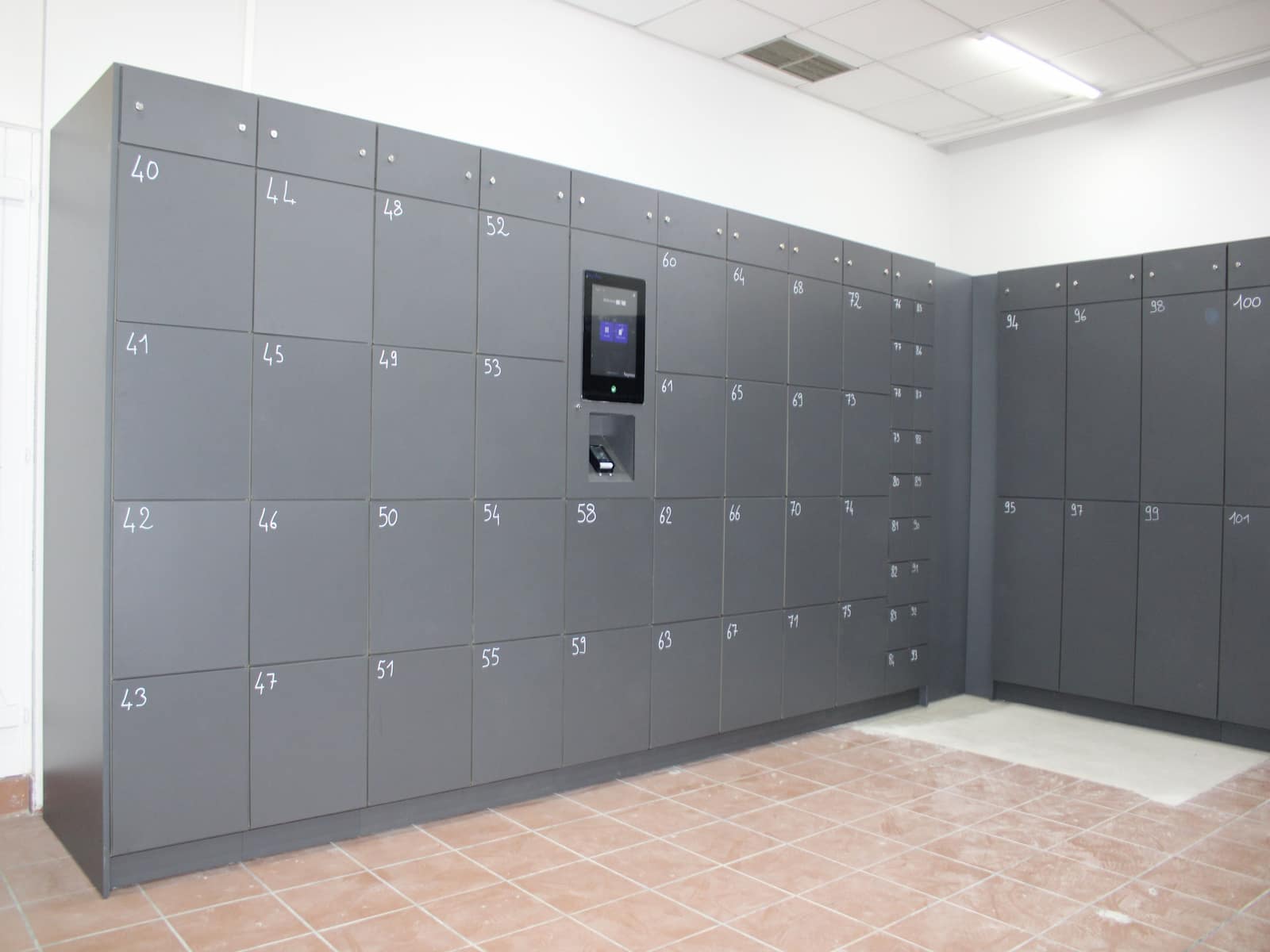
Secure visitor storage lockers
- Security control: high
- Reception workload: low to medium
- Auditability: high
- Visitor experience: high
- Scalability: high
For most high-traffic sites, secure visitor lockers for office buildings are the strongest fit when the goal is to reduce operational friction while increasing accountability.
Common weaknesses in manual visitor bag handling
No consistent chain of custody
In a manual setup, staff often rely on memory, paper notes, or simple claim tags. During busy periods, this can break down quickly. Without a digital record of drop-off time, retrieval time, and responsible staff member, disputes are harder to resolve.
Storage areas are not designed for controlled access
Bags are frequently stored in places chosen for convenience rather than control, such as behind reception counters or in multipurpose rooms. These areas may not provide clear separation of items, proper access restrictions, or audit visibility.
Reception becomes a bottleneck
Every manual handover adds friction to check-in workflows. Staff leave the desk to retrieve items, queues get longer, and service consistency drops. The same team that should manage entry control ends up spending time on low-value repeated handling tasks.
Policy enforcement is inconsistent
Different shifts may apply different rules on what can be stored, how long items can remain, and who can retrieve them. Inconsistent enforcement creates risk and confusion for both visitors and staff.
What secure visitor bag storage should achieve
A secure model is not only about placing lockers in a building. It should be designed around control, traceability, and operational fit.
Controlled access per compartment
Each storage transaction should be linked to a specific compartment and a specific access credential (for example PIN, QR code, badge-linked flow, or temporary token). Access rights should be time-bounded and clear.
End-to-end auditability
Operators should be able to review who stored an item, when it was retrieved, and whether any override or support action occurred. This audit trail reduces ambiguity and supports compliance and incident response.
Clear operational rules
Policies should be embedded in the process: allowed item types, maximum storage duration, escalation paths for unclaimed items, and staff override permissions. The process should not rely on ad hoc judgment at the desk.
Reduced reception dependency
A secure self-service flow can reduce repeated staff handling while maintaining oversight. Reception remains focused on access management and visitor experience instead of acting as a manual storage desk.
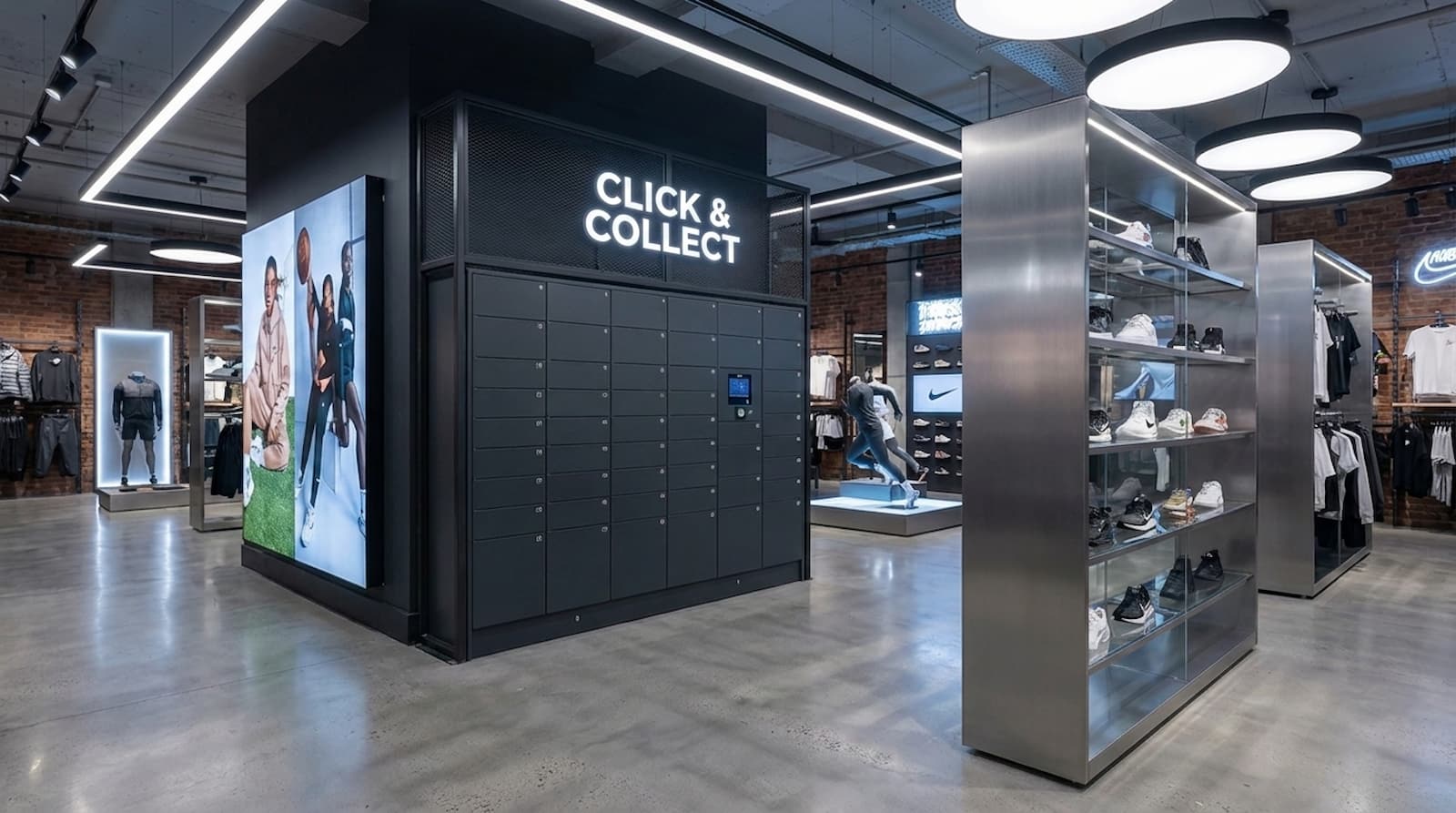
Practical model: secure self-service bag storage in office buildings
A typical deployment uses designated storage banks in monitored zones near reception or controlled lobby areas. Visitors receive temporary access based on building policy and session context. Building teams retain administrative control, with the ability to monitor occupancy, intervene when needed, and enforce duration limits.
When implemented well, this model provides:
- safer handling of personal items without open-access back-room storage
- faster lobby flow during peak visitor windows
- fewer manual handovers and fewer interruption points for reception staff
- better evidence trails for operations and security teams
With Keynius, this model is delivered as one connected ecosystem of locker hardware, access options, and cloud management software. Building teams can integrate with existing workplace workflows while maintaining centralized control over access, rules, and reporting.
Evidence from real Keynius deployments
Office and workplace teams often ask whether smart locker programs can scale without increasing admin burden. Relevant Keynius deployments show this can be done with measurable outcomes:
- In a corporate workspace deployment for Air France-KLM, Keynius implemented 2,200 locker walls across multiple sites, supporting more than 20,000 weekly uses and reporting 35% time savings via remote administration: case study.
- In a high-security public workplace environment, Brussels Police centralized office locker and access rights control across 2,800 smart lockers (including 1,100 office lockers): case study.
These examples indicate that workplace visitor storage and broader office locker management can operate under one governance model, rather than as separate manual workflows.
Implementation checklist for building operators
1. Define the use cases first
Separate use cases such as short meeting visits, all-day contractor access, and event attendees. Storage policies may differ by visitor type, duration, and zone restrictions.
2. Choose placement based on flow and supervision
Locker placement should align with foot traffic and monitoring coverage. Avoid isolated locations that reduce visibility or require staff escort for routine access.
3. Standardize access and retrieval rules
Define how access credentials are issued, expiration logic, and recovery process for lost credentials. Include clear rules for staff-assisted retrieval.
4. Establish escalation procedures
Prepare procedures for suspicious items, overstayed storage, and retrieval disputes. Escalation paths should be explicit across reception, security, and facilities teams.
5. Track performance metrics
Monitor queue impact, storage utilization, incident frequency, and staff intervention rates. These metrics help validate whether the storage model is reducing risk and operational load.
ICP fit: who this solves for and why
Facilities and Workplace Operations
- reduce front-desk congestion and repetitive handovers
- improve space use with structured visitor storage lockers
- gain utilization data for planning and capacity decisions
Security and Risk Teams
- enforce controlled access and policy-based storage windows
- maintain auditable events for incident review
- reduce reliance on informal custody practices
IT and Digital Workplace Teams
- support integration with existing access and identity workflows
- reduce fragmented tools by centralizing locker administration
- enable scalable operating standards across sites
Where this fits in a broader workplace strategy
Visitor bag storage is part of a wider shift in building operations: replacing informal manual processes with secure, auditable service workflows. For office environments with mixed visitor profiles and high daily throughput, storage modernization can support both security outcomes and front-of-house efficiency.
The core goal is straightforward: give visitors a safe, predictable way to store belongings while giving building teams stronger control and less manual burden.
This aligns directly with Keynius’ workplace approach: simplify office storage operations without sacrificing security or user experience. For example, office and hybrid-workplace projects often combine visitor storage with broader staff and asset use cases in one deployment.
For organizations evaluating secure visitor bag storage as part of a larger workplace program, related Keynius pages include Asset & Equipment Management and the full Corporate Workspace industry overview.
Conclusion
Office buildings can no longer treat visitor bag storage as a minor reception task. As visitor traffic patterns diversify, manual handling creates avoidable security and operational risks.
A secure storage approach should provide controlled access, auditable events, and clear policy enforcement while reducing repeated front-desk handling. For many operators, this means moving from ad hoc back-room storage toward a structured self-service model that fits modern workplace security requirements.
If your team is reviewing office visitor storage, explore Keynius’ Corporate Workspace and Personal & Staff Storage pages, then contact Keynius to map the right setup for your building.
If you want a practical rollout plan, request a scoped walkthrough via Contact Keynius and ask for a visitor-storage-focused workplace assessment.





%201.svg)
%201.svg)
